Bing Image Creator: The Ultimate Guide to AI-Powered Image Generation (2026 Edition)
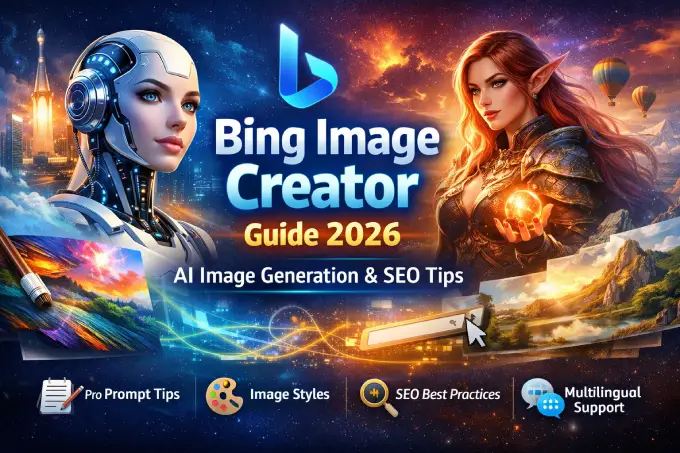
Why Bing Image Creator Feels Different
Artificial intelligence tools are everywhere now—but let’s be honest, not all of them feel friendly. Some are overly technical, some feel robotic, and some make you wonder whether you need a PhD just to type a prompt.
Bing Image Creator stands out because it feels surprisingly human. It doesn’t just generate images; it helps you translate imagination into visuals without making you fight with the technology. Whether you are a content creator, SEO specialist, blogger, designer, marketer, or just someone who enjoys experimenting with visuals, Bing Image Creator feels more like a creative partner than a cold machine.
By the end of this guide, you will not only understand how Bing Image Creator works, but also how to master prompts, create high-quality visuals, and use the tool strategically for content, branding, and creativity.
What Is Bing Image Creator?
Bing Image Creator is an AI-powered text-to-image generation tool developed by Microsoft and integrated into Microsoft Bing.
In simple terms:
You type a description → AI understands it → AI creates an image.
But behind that simplicity lies advanced artificial intelligence infrastructure.
Bing Image Creator Technology & AI Infrastructure
The AI Model Behind the Scenes
Bing Image Creator is powered by DALL·E, an advanced image-generation model developed by OpenAI and customized by Microsoft.
Key Technologies Used
Diffusion Models – Gradually transform noise into meaningful images
Natural Language Processing (NLP) – Understands complex prompts and context
Computer Vision – Ensures object placement, lighting, depth, and realism
Large-Scale Cloud Infrastructure (Azure AI) – Fast and scalable generation
Connection with Bing AI
Bing Image Creator works seamlessly with Bing AI, meaning:
Prompts can be refined conversationally
Context-aware image creation is possible
Search + generation synergy improves accuracy
This integration makes it ideal for SEO-driven content workflows.
Types of Images You Can Create with Bing Image Creator
1. Realistic Images (Photorealism)
Perfect for:
Blog headers
Stock-photo alternatives
Product concepts
Examples:
“A realistic photo of a barista preparing coffee in a cozy café”
“Ultra-realistic portrait of a young entrepreneur in natural light”
2. Artistic & Digital Art Styles
Ideal for:
Creative blogs
Concept art
Visual storytelling
Styles include:
Oil painting
Watercolor
Cyberpunk
Surrealism
Minimalist art
3. Character Design & Fantasy Art
Great for:
Games
Comics
Story writing
NFTs (concept only)
Prompt ideas:
“Fantasy elf warrior with glowing armor, cinematic lighting”
“Cyberpunk hacker character, neon city background”
4. Avatar & Profile Image Creation
Use cases:
Social media avatars
Brand mascots
YouTube profile images
You can specify:
Gender
Emotion
Art style
Background
5. Abstract & Conceptual Visuals
Best for:
Tech blogs
Thought leadership
Marketing visuals
Examples:
“Abstract visualization of artificial intelligence and data flow”
“Concept art representing digital transformation”
How to Write a Good Prompt (With Real Examples)
The Anatomy of a Perfect Prompt
A strong prompt includes:
Subject
Style
Mood
Lighting
Details
Camera angle (optional)
Bad Prompt ❌
“A cat”
Good Prompt ✅
“A realistic ginger cat sitting on a wooden window sill, soft morning light, shallow depth of field, ultra-detailed photography”
Advanced Prompt Examples
Artistic Style Prompt
“A surreal digital painting of a floating city above clouds, vibrant colors, fantasy art style, cinematic lighting”
Realistic Portrait Prompt
“Ultra-realistic portrait of a confident female CEO, studio lighting, 85mm lens, neutral background”
SEO Visual Prompt
“Minimalist flat illustration representing SEO growth and analytics, modern vector style”
Bing Image Creator User Guide (Step-by-Step)
Step 1: Access the Tool
Go to Bing
Open Image Creator from the menu
Step 2: Write Your Prompt
Be descriptive
Use natural language
Step 3: Generate Images
AI produces multiple variations
Choose the best one
Step 4: Refine if Needed
Adjust details
Add style modifiers
Step 5: Download & Use
Ideal for blogs, social media, presentations
Supported Languages & Countries
Bing Image Creator supports multiple languages, making it a global tool.
Supported Languages (Examples)
English
Spanish
German
French
Italian
Portuguese
Turkish
Arabic
Japanese
Korean
Chinese
Available Countries (Examples)
United States
United Kingdom
Canada
Germany
France
Turkey
Spain
Italy
Brazil
Australia
Japan
SEO & AdSense Best Practices When Using AI Images
Always add alt text
Use descriptive file names
Avoid overuse of generic AI visuals
Match image intent with content intent
Combine AI images with original text
Frequently Asked Questions (FAQ)
1. Is Bing Image Creator free?
Yes, it offers free usage with daily limits.
2. Is Bing Image Creator safe for AdSense?
Yes, when used ethically and with original content.
3. Can I use images commercially?
Generally yes, but always check Microsoft’s usage terms.
4. Does it replace graphic designers?
No. It complements creativity, not replaces professionals.
5. Is Bing Image Creator better than other AI tools?
It excels in integration, accessibility, and realism.
6. Can I generate logos?
Conceptually yes, but final logos should be refined by designers.
7. Does it support long prompts?
Yes, detailed prompts produce better results.
8. Are generated images unique?
Yes, each output is generated uniquely.
9. Can I edit images inside Bing?
No advanced editing—use external tools.
10. Is it good for blog visuals?
Absolutely. Especially for SEO content.
11. Does language affect image quality?
English performs best, but other languages are improving fast.
12. Can I generate people?
Yes, but with ethical and policy-based limitations.
13. Is Bing Image Creator connected to Bing Search?
Yes, it’s deeply integrated with Bing AI.
14. Can I generate multiple styles at once?
Yes, by specifying style combinations.
15. Will AI images hurt SEO?
No—low-quality, irrelevant content hurts SEO, not AI images.
Final Thoughts: A Creative Tool for Humans, Not Just Machines
Bing Image Creator proves that AI doesn’t have to feel cold or robotic. When used thoughtfully, it becomes a creative amplifier, especially for SEO-driven websites, educational content, and visual storytelling.
If you combine human-written content, strategic prompts, and ethical AI usage, Bing Image Creator can become one of your strongest digital assets.
You should also read:
Bing Wallpapers: Explore the World Through Daily Backgrounds
Bing Wallpapers: Bringing the World to Your Screen, One Image at a Time Enjoy daily Bing Wallpapers showcasing beautiful scenes from the US, France, Japan,…
Continue reading...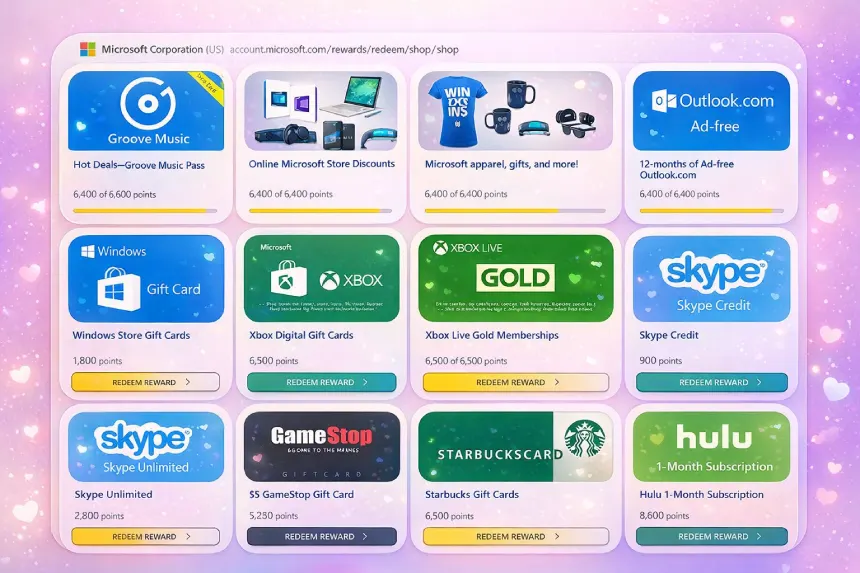
Bing Rewards: A Practical and Human Guide to Earning While You Search
Bing Rewards: Everyday Searching, With a Little Extra Value Think about how often you search the internet in a single day. Sometimes you’re looking for…
Continue reading...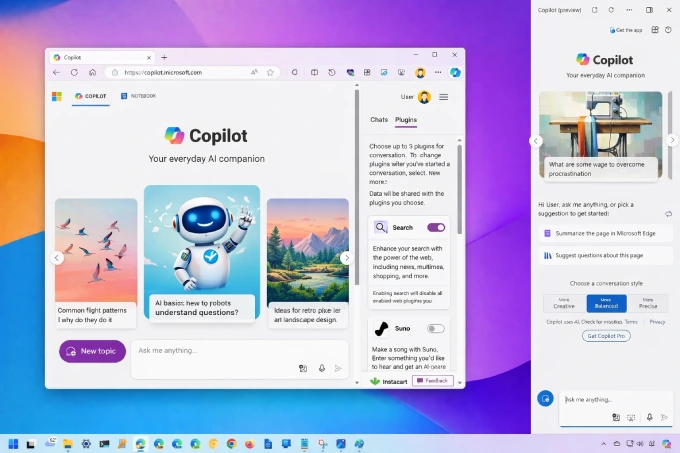
Bing AI & Microsoft Copilot: A Complete, Human-Focused Guide to the AI Assistant of the Future
Artificial intelligence is no longer something we “wait for” in the future — it is already shaping how we search, write, learn, and work today.
Continue reading...